Ultimate Tips for Using Wifi Smart Switch Effectively?
As smart homes gain popularity, the Wifi Smart Switch stands out as a key innovation. It offers convenience and energy savings, making daily routines effortless. Imagine controlling your lights from anywhere using your smartphone. This switch is about more than just convenience; it's about enhancing your lifestyle.
However, many users overlook the true potential of the Wifi Smart Switch. They often stick to basic features, missing out on advanced settings. Users might find themselves frustrated when automation fails. A deeper understanding is essential for maximizing this tool. Taking the time to explore its features can lead to a smoother experience.
Additionally, bugs can occur, and connectivity issues may frustrate users. It's crucial to remain patient and troubleshoot these problems. Embracing the learning curve is vital for effective use. If you find yourself bogged down by limitations, revisit the manual. The simplicity of a Wifi Smart Switch can transform your home. With careful exploration, it becomes a powerful ally in daily life.
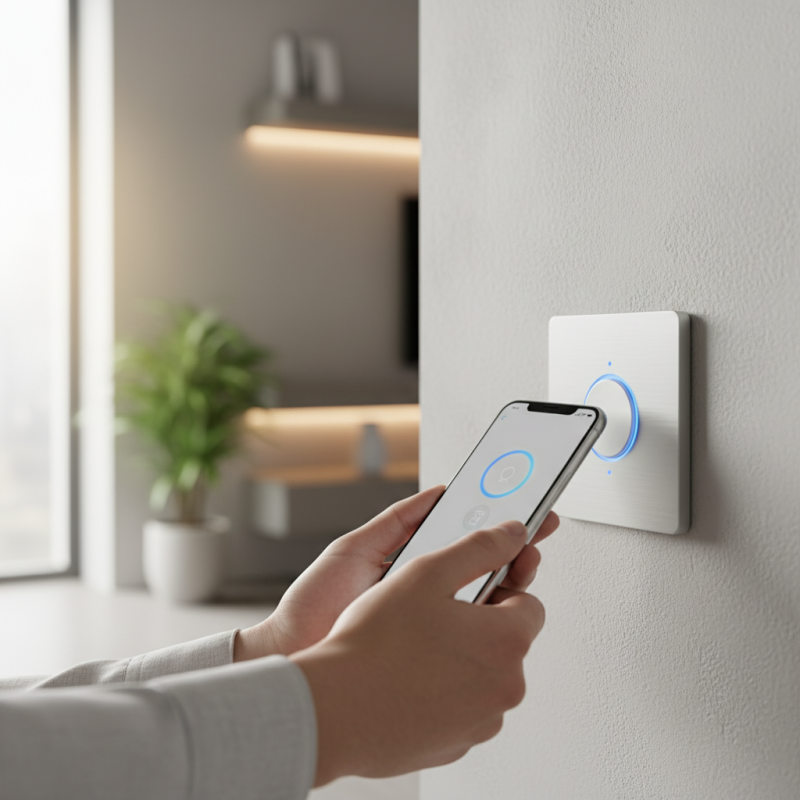
Understanding Wifi Smart Switch Technology and Features
WiFi smart switches are transforming how we interact with home appliances. Understanding their technology is crucial. These devices allow users to control lights and electronics remotely via smartphones. According to a 2023 report by Statista, the smart home segment is projected to grow significantly, reaching a market value of over $135 billion by 2025. This surge reflects increasing consumer interest in smart technologies.
WiFi smart switches typically use wireless communication protocols like MQTT or HTTP for connectivity. They can be integrated into various home automation systems, providing convenience. However, installation can be challenging for some users. A study by Parks Associates revealed that around 30% of consumers struggle with setup. This indicates that product guides and support are essential for a smoother user experience. Additionally, compatibility with existing home wiring poses another hurdle. Some older homes may lack the necessary infrastructure for optimal operation.
Data privacy is another concern. Users should be cautious when connecting devices to home networks. As smart devices become more prevalent, cybersecurity threats are also increasing. Malware and other risks can expose personal data. A report from Cybersecurity Ventures suggests that cybercrime damages could reach $10.5 trillion annually by 2025. This underlines the importance of choosing secure smart switches and implementing robust network security measures.
Installing Your Wifi Smart Switch: A Step-by-Step Guide
Installing your WiFi smart switch can seem daunting at first. However, breaking it down into simple steps makes the process manageable. Gather essential tools like a screwdriver and wire strippers before starting. Safety is crucial, so turn off the power to the switch at the circuit breaker. This not only protects you but also helps avoid any tragic mistakes.
After ensuring safety, remove your old switch. Take note of how the wires are connected. Labeling them can help avoid confusion later. Connect the new smart switch according to the instructions. Sometimes the colors don't match your expectations, which can be frustrating. Work carefully and double-check each connection.
Once everything is wired correctly, secure the switch in the wall. Don't rush this step; ensuring a proper fit can prevent future complications. Turn the power back on and test your new smart switch. If it doesn't work, retrace your steps. Mistakes often happen. Learning from them can improve your skills and confidence.
Ultimate Tips for Using Wifi Smart Switch Effectively
This chart illustrates the effectiveness of various installation tips for Wifi Smart Switches based on user feedback.
Configuring the App for Optimal Control and Automation
Configuring the app for your smart switch can be overwhelming at first. Start by downloading the application that is compatible with your device. Follow the setup prompts carefully. Each step is crucial. You may catch yourself skipping details, but this could lead to connection issues later. Check your Wi-Fi settings; ensure your phone and switch are on the same network.
Once the app is set up, explore its features. Automation is key. Create schedules for turning lights on and off. This saves energy and adds convenience. However, sometimes the automation won’t trigger as expected. You’ll benefit from testing various scenarios. Make adjustments as needed. Experiment with different settings to find what works best for your routine.
Don’t forget about remote access. Control your devices from anywhere, which is fantastic if you forget to turn off something. But, can you rely on it completely? Occasionally, the connection may lag. This can frustrate you if you're in a rush. It’s essential to remember these minor flaws as you embrace smart technology.
Ultimate Tips for Using Wifi Smart Switch Effectively
| Tip | Description | Benefits | Frequency of Use |
| Schedule Automations | Set timers for appliances to turn on/off automatically. | Saves energy and enhances convenience. | Daily |
| Group Devices | Control multiple switches together from one command. | Simplifies control for multiple appliances. | As needed |
| Remote Access | Control your switches from anywhere using your smartphone. | Improves security and accessibility. | Occasional |
| Voice Control | Integrate with virtual assistants for voice commands. | Hands-free convenience for busy moments. | Daily |
| Monitor Energy Usage | Check energy consumption statistics through the app. | Helps reduce energy bills and usage. | Weekly |
Maximizing Energy Efficiency with Smart Switch Features
Using smart switches can greatly enhance your home’s energy efficiency. You can schedule lights to turn off when you leave. This small change can save energy daily. Have you ever left a room only to forget to switch off a light? Smart switches help eliminate that error.
Another feature is remote control. You might find yourself at the office, wondering if you left any lights on. With a smart switch, you can check and turn them off from your phone. This flexibility also allows you to manage thermostat settings remotely. However, not everyone is consistent in using these features effectively. Sometimes, the convenience leads to forgetting to set schedules.
Monitoring your energy usage is another benefit. Many smart switches provide reports on your consumption. This data can reveal patterns. Are you using more energy than expected? Reflect on your habits. Are you diligent with energy-saving settings? Mindful usage of these features can drastically lower your bills and support sustainable living.
Troubleshooting Common Issues with Wifi Smart Switches
Wifi smart switches can simplify your life, but issues can arise. Connectivity problems are common. If your switch is unresponsive, start by checking your network connection. Ensure the switch is within range of your router. A weak signal can cause frequent disconnections.
Another frequent issue is incorrect setup. Sometimes, the switch may not connect to your app correctly. Double-check the installation steps. Make sure the switch is in pairing mode when trying to connect. Restarting both the switch and your app can resolve these hiccups.
Overheating is another concern. If your switch feels hot to the touch, this could signal problems. Ensure the switch is not overloaded with electrical devices. Don't ignore this issue, as it can lead to malfunctions. Consider installing a separate switch for heavy-duty appliances.


